Learn how to withdraw Aviator winnings on Bangbet Uganda using MTN Mobile Money or Airtel Money, including limits, processing times, and support.
Cashing out successfully in Aviator is only the first stage of accessing a return. The money is initially settled to your eligible Bangbet account balance, after which you can submit a separate withdrawal request.
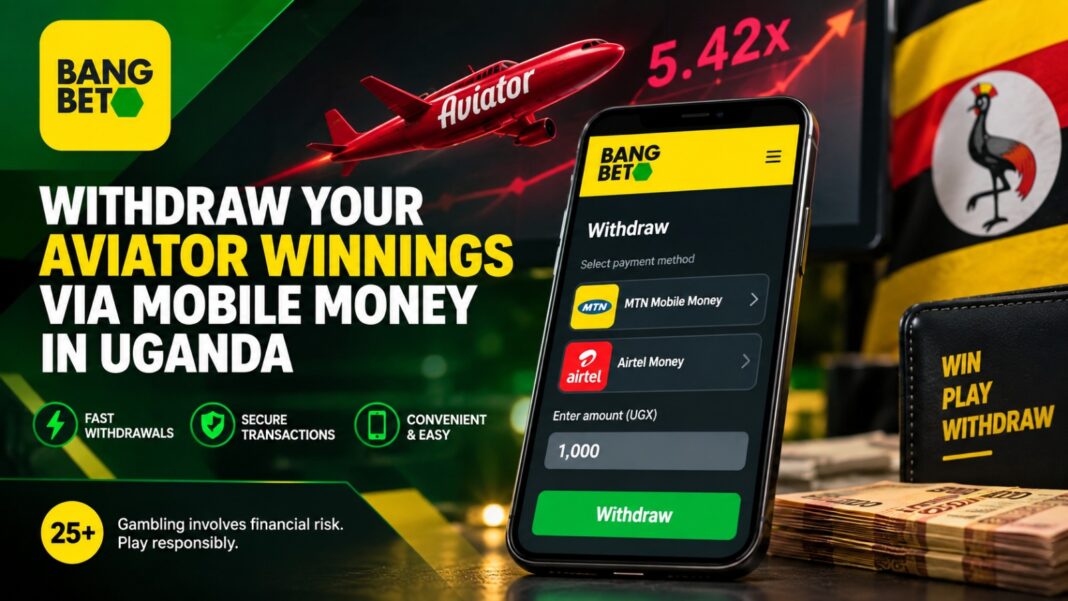
Bangbet Uganda supports MTN Mobile Money and Airtel Money, giving eligible Ugandan players convenient options for transferring available balances to their mobile wallets.
Aviator Cash-Out vs Mobile Money Withdrawal
An Aviator cash-out and a Mobile Money withdrawal are different transactions.
During an Aviator round, a player must cash out before the game crashes for the bet to produce a return. Once a successful cash-out is confirmed, the return is credited to the player’s eligible Bangbet account balance.
A Mobile Money withdrawal happens afterwards. It involves requesting that eligible funds in the Bangbet balance be transferred to an available MTN Mobile Money or Airtel Money wallet.
Therefore, pressing Cash Out during an Aviator round does not send money directly to your phone.
For additional information about processing, see Bangbet Uganda’s guide to Aviator withdrawal time.
How to Withdraw Aviator Winnings on Bangbet Uganda
1. Log In to Your Bangbet Account
Visit the official Bangbet Uganda platform and sign in using your registered account details.
Check that the money from your successful Aviator cash-out has been credited to your eligible balance before attempting a withdrawal.
2. Open the Withdrawal Section
Navigate to your account or Me section and select the withdrawal option displayed in the cashier.
The interface may be updated periodically, so follow the options shown on your current Bangbet Uganda account rather than relying on old screenshots.
3. Select MTN Mobile Money or Airtel Money
Choose the Mobile Money method available to your account.
Bangbet Uganda currently identifies MTN Mobile Money Uganda and Airtel Money Uganda as supported local payment methods.
Make sure the Mobile Money details are accurate and comply with Bangbet’s account and payment verification requirements.
4. Enter Your Withdrawal Amount
Enter the amount you want to transfer from your eligible Bangbet balance.
According to Bangbet Uganda’s current deposit and withdrawal limits, the published Mobile Money limits include:
| Withdrawal | Published Limit |
| Minimum withdrawal | UGX 1,000 |
| Maximum per transaction | UGX 5,000,000 |
| Airtel Money daily maximum | UGX 10,000,000 |
| MTN Mobile Money daily maximum | UGX 20,000,000 |
These are transaction limits rather than suggested amounts. Check the live cashier before submitting a request because payment conditions and limits can change.
5. Review and Confirm
Check the withdrawal amount, Mobile Money network, phone details, and any information displayed on the confirmation screen.
Once everything is correct, submit the request.
You can check your account transaction or withdrawal history afterwards to follow its status.
How Long Does an Aviator Withdrawal Take?
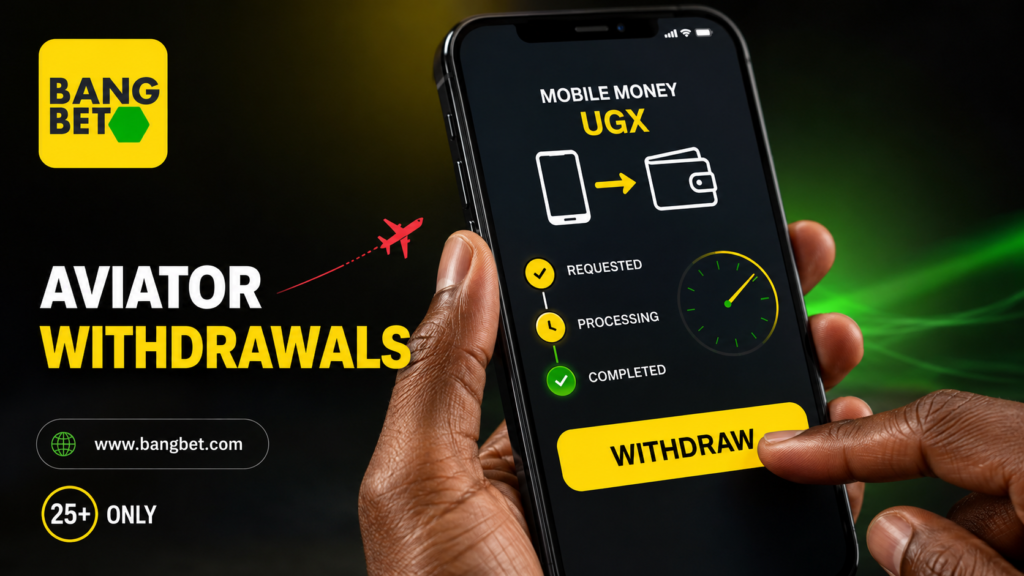
Bangbet advertises withdrawals through MTN Mobile Money and Airtel Money as being processed within minutes. However, this should not be interpreted as a guaranteed end-to-end delivery time for every transaction.
A successful Aviator cash-out must first settle to the Bangbet account. The subsequent withdrawal may pass through account, payment, or compliance checks before funds are sent through the selected Mobile Money network.
Verification requirements, technical problems, and network interruptions can therefore increase the waiting time.
Players should avoid treating a specific number of seconds or minutes as guaranteed.
Why Can an Aviator Withdrawal Be Delayed?
A withdrawal may take longer than expected because of circumstances such as incorrect payment information, account-verification requirements, Mobile Money network interruptions, or additional transaction checks.
An amount outside the permitted transaction limits can also prevent a request from proceeding normally.
If your withdrawal remains unresolved, check its status and keep the transaction reference, requested amount, and time of submission.
Contact Bangbet Uganda through the customer support and complaints guide for assistance. You can call or text 0768 677 777 (MTN) or 0748 655 151 (Airtel), send a WhatsApp message to 0748 655 151, email support.ug@bangbet.com, or use Live Chat on the Bangbet Uganda website.
Keep your withdrawal reference, amount, payment method, and request time available when contacting support. Never share your password, OTP, or Mobile Money PIN, and never pay anyone claiming they can privately unlock or accelerate a withdrawal.
How to Reduce Avoidable Withdrawal Problems
Use accurate account information and check your Mobile Money details before submitting a request.
Complete any verification requested by Bangbet and ensure the withdrawal amount falls within the limits displayed in the cashier.
You should also avoid making multiple identical requests when an earlier transaction is still processing. If something appears wrong, check your transaction history before contacting official customer support.
These simple checks can prevent common errors, although they cannot guarantee a particular processing time.
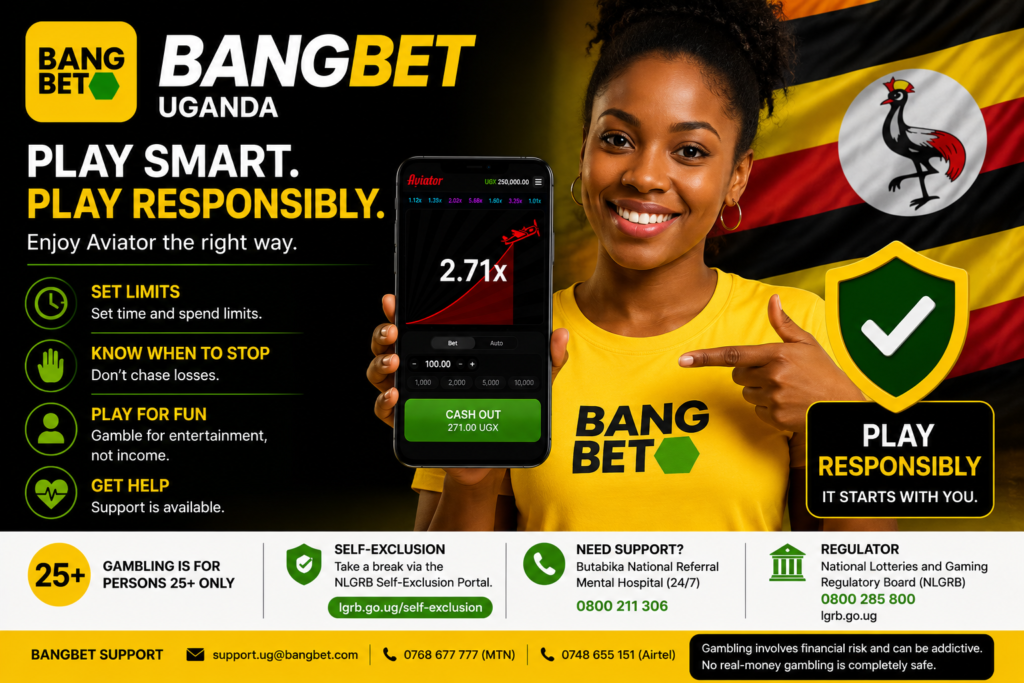
Responsible Aviator Play in Uganda
Aviator outcomes are unpredictable, and previous rounds cannot guarantee future results. Never chase losses or rely on so-called Aviator predictors or guaranteed signals.
Gambling in Uganda is 25+ only and involves financial risk. Set clear spending and time limits, use only money you can afford to lose, and treat gambling as entertainment.
Ready to play? Eligible players aged 25+ can visit Bangbet Uganda to access Aviator and available account controls. For safer-play information and support, read Bangbet Uganda’s responsible gambling guide.
25+ | Play responsibly.
Final Take-Home
Withdrawing an eligible Aviator balance through Mobile Money on Bangbet Uganda is separate from cashing out during an Aviator round.
After a successful cash-out is settled to your account, open the withdrawal section, select MTN Mobile Money or Airtel Money, enter an eligible amount, verify the payment details, and submit the request.
The current published minimum withdrawal is UGX 1,000, while the maximum is UGX 5,000,000 per transaction. Always confirm the latest limits and payment options in your account before proceeding.
Bangbet advertises Mobile Money withdrawals as processed within minutes, but verification and network conditions can affect the actual time. If a transaction remains unresolved, use official Bangbet support rather than third-party agents.