
Compare Aviator cooling-off vs self-exclusion on Bangbet Uganda. Learn how to request a break, submit your National ID and confirm account restrictions.
What Does Cooling-Off Mean on Bangbet Uganda?
Cooling-off is a temporary gambling restriction for someone who wants a defined break. Its practical effect depends on the conditions applied to the account.
Bangbet Uganda’s customer-care process requires customers to clearly request cooling-off and submit their National ID through the official channel specified by support. Processing normally takes between two and seven days.
Before relying on the restriction, ask customer care to confirm:
- Which cooling-off periods are available.
- When the restriction becomes active.
- Whether it covers the entire account.
- Which activities, including deposits and betting, are blocked.
- Whether access resumes automatically at expiry.
- Whether early cancellation is permitted.
Do not assume that submitting your National ID means access has already been restricted.
If you want to take a break from Aviator and all other gambling on Bangbet, state that explicitly and request written confirmation of coverage.
What Does Self-Exclusion Mean?
Self-exclusion is a formal request to restrict gambling access. It is particularly relevant when gambling becomes difficult to control or affects finances, relationships, work or wellbeing.
Bangbet Uganda’s published responsible-gambling guidance says customers can contact customer service to request self-exclusion, resulting in account suspension for a predetermined period. Confirm the currently available periods and conditions directly with support.
When requesting Bangbet self-exclusion, explain that you want gambling access restricted and specify the coverage required. Ask whether the exclusion includes Aviator, other casino games, sports betting, and access through both the website and app.
Logging out, uninstalling an app, or disabling auto bet does not establish self-exclusion. Those actions do not replace an operator-confirmed account restriction.
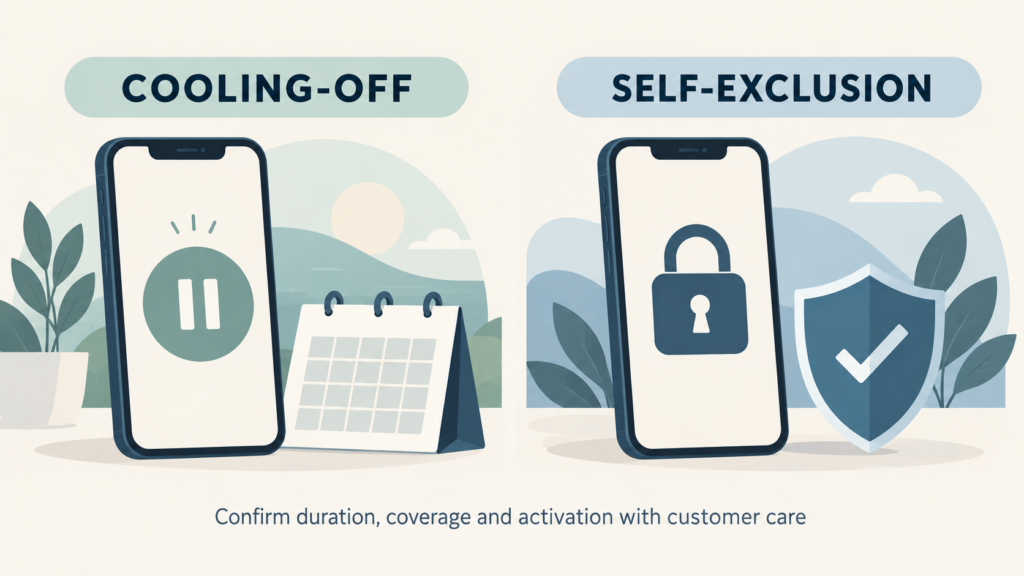
Cooling-Off vs Self-Exclusion: Comparison Table
The distinction involves purpose, processing, and the conditions attached to each restriction.
| Point | Cooling-off | Self-exclusion |
| Purpose | A temporary gambling break | Formal restriction of gambling access |
| Duration | Ask customer care for available periods | Predetermined period; confirm current options |
| Coverage | Confirm whether the entire account is covered | Account suspension described; confirm all products and access routes |
| Activation | Customer-care request and National ID; processing normally takes 2–7 days | Request through customer care; confirm processing and activation timing |
| Early cancellation | Confirm the applicable rule | Confirm the applicable rule |
| Expiry | Ask whether access resumes automatically | Ask whether reopening requires a separate request or review |
The two-to-seven-day cooling-off processing window should not be applied to self-exclusion without confirmation. Neither option should be presented as Aviator-only unless Bangbet expressly confirms that scope.
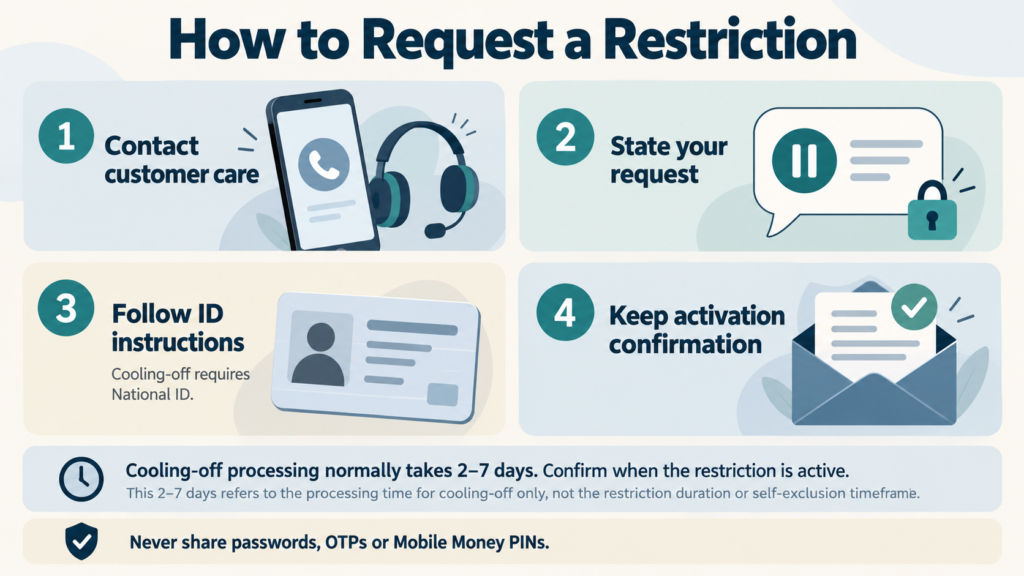
How to Request a Restriction From Bangbet Uganda
1. Contact Official Customer Care
Bangbet Uganda publishes these customer-care contacts:
- Email: support.ug@bangbet.com
- MTN: 0768 677 777
- Airtel: 0748 655 151
Use official contacts when discussing account restrictions or submitting identity documents.
The official Bangbet Uganda mobile casino page identifies the service concerned, but customer care should confirm the restriction rules applying to your account.
2. Clearly State Your Request
Say, “I want to request cooling-off,” or, “I want to request self-exclusion.”
Explain whether you need a temporary pause or protection because gambling feels difficult to control. Request whole-account coverage if you want to stop all gambling on Bangbet.
Avoid an ambiguous message such as “close Aviator” when your intention is broader.
3. Follow the Identity-Verification Instructions
For cooling-off, Bangbet Uganda requires your National ID to begin processing the request. Ask customer care to identify the official submission channel before sending it.
Never provide your password, OTP or Mobile Money PIN. Identity verification should not require you to disclose those credentials.
4. Confirm the Conditions and Keep Records
Ask for the available duration, account coverage, expected activation date and reopening conditions. Also establish how any remaining balance or unsettled bets will be handled.
Keep your email, chat transcript or reference number. Request a separate confirmation showing when the restriction becomes active.
5. Avoid Gambling While Processing Continues
Do not continue depositing or wagering while awaiting confirmation. If the stated processing period passes without an update, contact customer care again and quote your reference.
Example cooling-off request:
Hello Bangbet Uganda customer care. I want to request cooling-off on my account. Please confirm the available periods and official channel for submitting my National ID. I want the restriction to cover my whole account, including Aviator, other casino games and sports betting. Please confirm coverage, activation, expiry and reopening conditions in writing.
Operator Restrictions and Uganda’s National Exclusion Route
A Bangbet account restriction and the National Lotteries and Gaming Regulatory Board’s exclusion process are separate routes.
The NLGRB self-exclusion portal requests an exclusion period, reason, consent, location, identification, and contact information. It also includes operator selection, supporting-document uploads, and an option to consent to being assigned a counsellor.
Because the form includes operator selection, do not assume that submission automatically blocks every gambling operator in Uganda. Identify the operators concerned and ask the regulator to confirm coverage and implementation.
Retain the submission details and request confirmation of activation. Ask the NLGRB directly about any conditions governing expiry or future access.
Frequently Asked Questions
Does self-exclusion block only Aviator?
Bangbet Uganda describes account suspension rather than a published Aviator-only exclusion. Request whole-account coverage and obtain confirmation identifying the products and access routes restricted.
Is uninstalling the app enough?
No. Uninstalling removes the app from your device but does not establish an account restriction. Contact customer care and complete the relevant request process. Removing the app can be an additional practical step.
Can I cancel an exclusion early?
Do not assume early cancellation is available. Ask for the applicable conditions when requesting the restriction. Avoid trying to bypass an active exclusion through another account or someone else’s account.
What happens to an existing account balance?
Ask customer care how remaining funds, withdrawals, and unsettled bets will be handled. Do not assume automatic payment or forfeiture. Request written instructions without delaying your restriction request or placing further bets.
What should I do if access remains available after confirmation?
Stop gambling and report the issue immediately, quoting the activation confirmation and reference number. Keep evidence and request enforcement of the agreed restriction. If unresolved, use the NLGRB complaint portal.
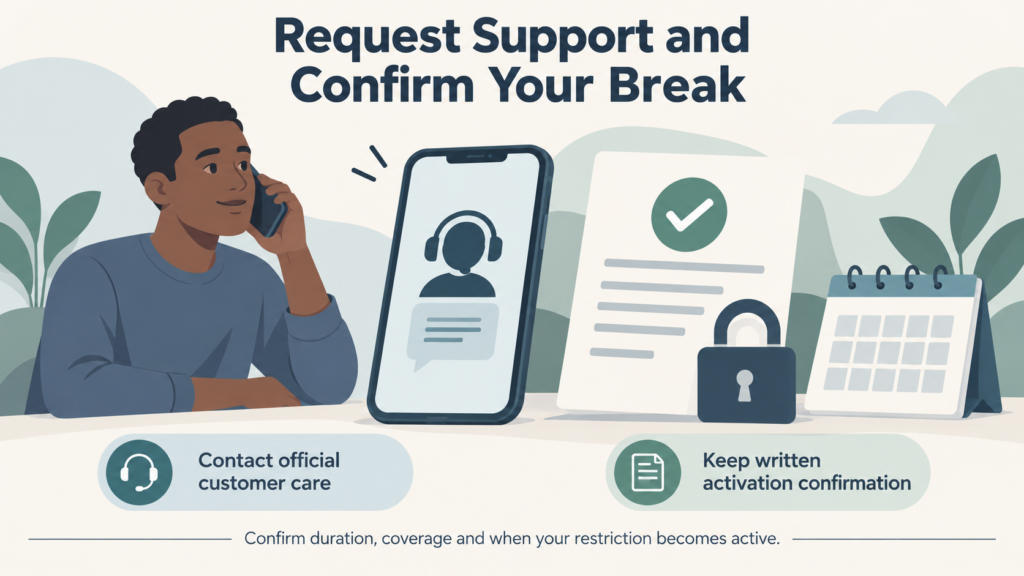
Request Support and Confirm Your Break
To request a gambling account break, Contact Bangbet Uganda customer care and clearly name the restriction required. For help with the regulator’s exclusion route, visit its portal or call the NLGRB’s published toll-free number, 0800 285 800.
For broader safeguards and recognising gambling harm, read the Aviator responsible-gambling guide.
Conclusion
An effective break depends on a clear request and confirmed restrictions. For Bangbet Uganda cooling-off, contact customer care, follow the National ID submission instructions and allow for the normal two-to-seven-day processing window. Confirm duration, coverage and activation rather than assuming protection has started. Seek additional support whenever gambling becomes difficult to control.